
Create a Reposter action
Add a new action
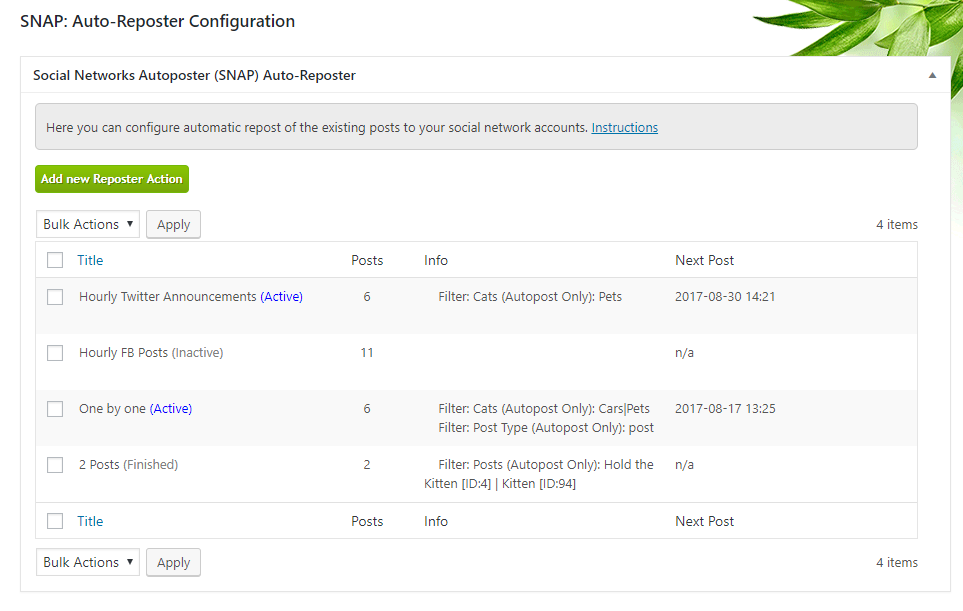
Open Reposter and click Add new Reposter Action. Each action has its own schedule and selection of posts.
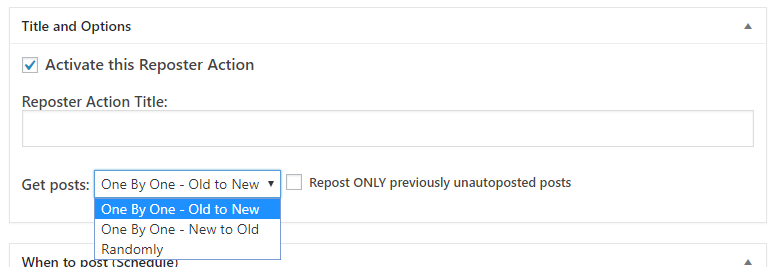
Choose posts and timing
1. Get Posts
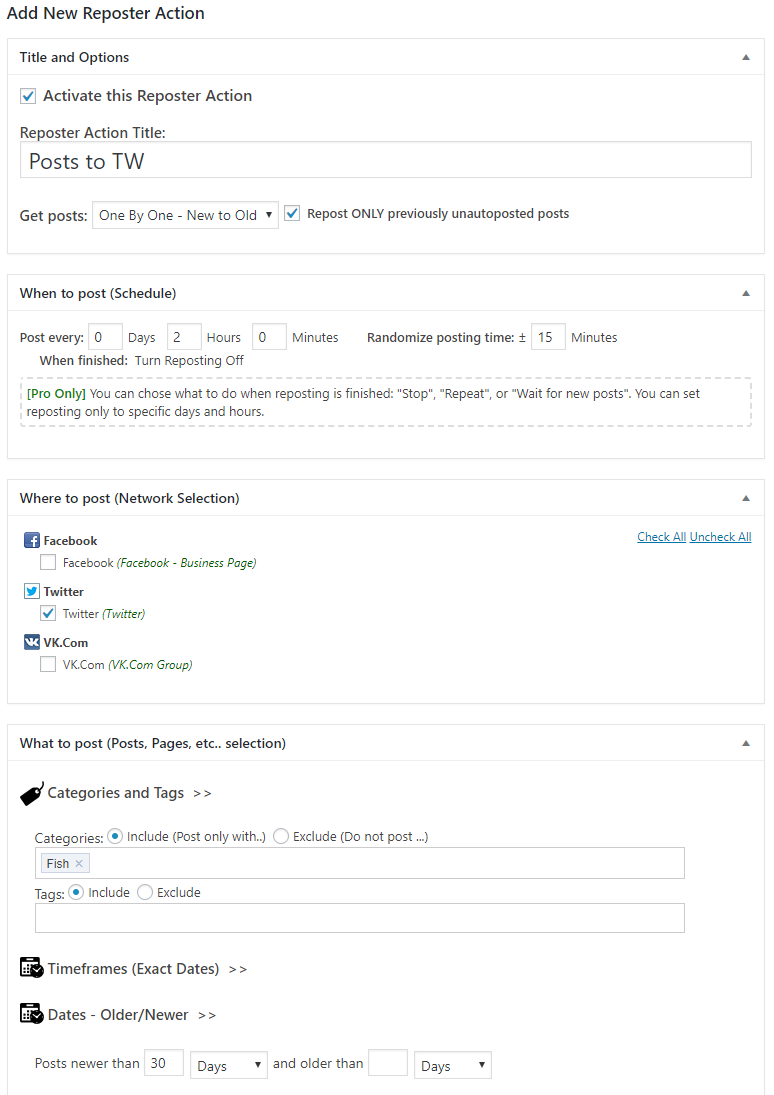
Choose One By One - Old to New, One By One - New to Old, or Randomly. Sequential modes work through matching posts in order; random mode picks from the matching set.
2. Set the schedule
Use Post every to set the interval. Randomize posting time varies the intervals. Use specific dates and times when you want fixed publishing times.
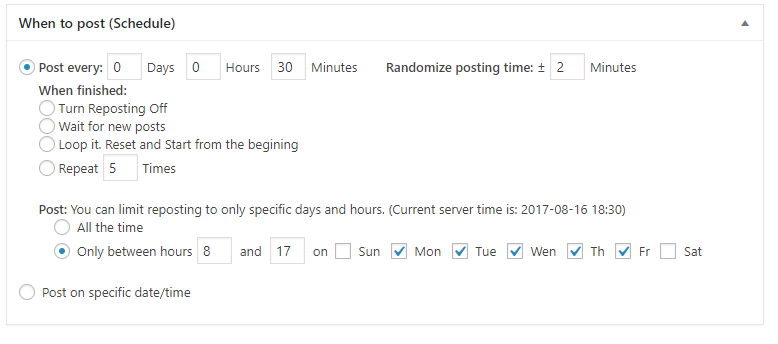
3. Choose when to stop
For sequential actions, set When Finished: turn the action off, wait for new matching posts, loop from the beginning, or repeat a specified number of times.
4. Limit active days and hours
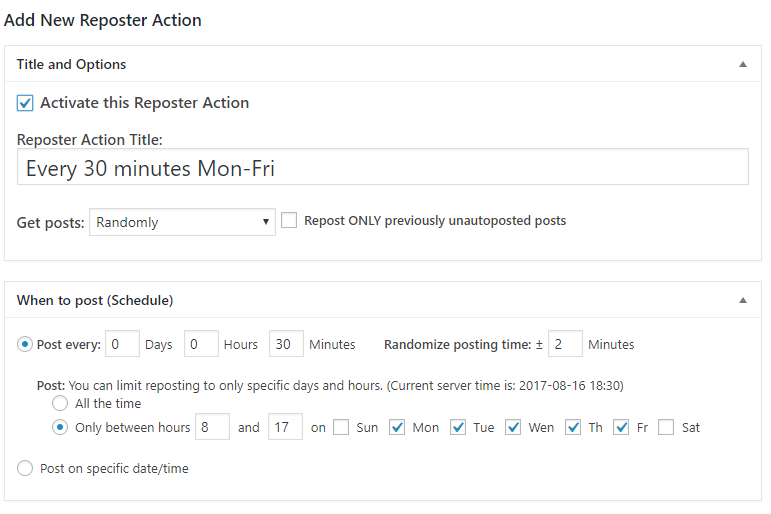
Choose All the time or specify a time window and days of the week. Check the time shown by SNAP when setting the window.
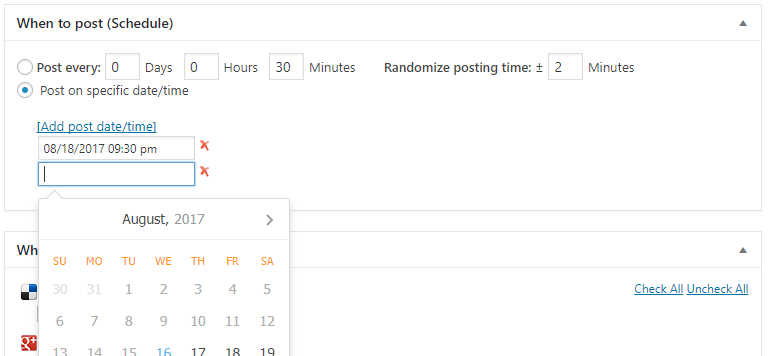
5. Where to post
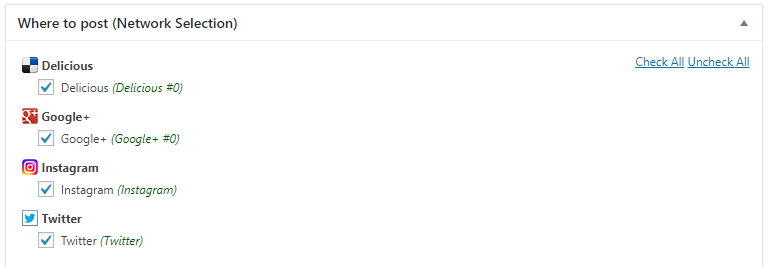
Select the connected accounts that should receive the reposts.
Filter the content
Use standard filters to select post types, categories, tags, authors, custom fields, or taxonomies.
Exact dates
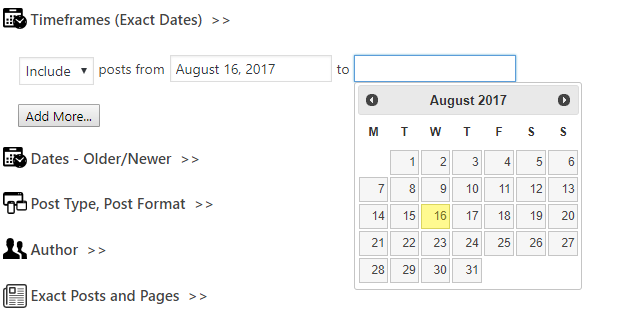
Include or exclude posts published within a specified date range.
Older or newer than
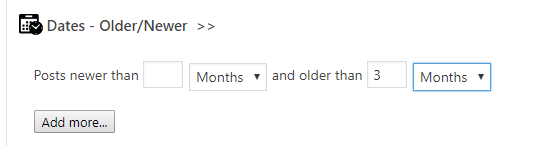
Choose posts by age, for example posts published within the last 30 days.
Specific posts
Select individual posts when you want a fixed selection.

Example: publish existing posts in order
Work through your existing content
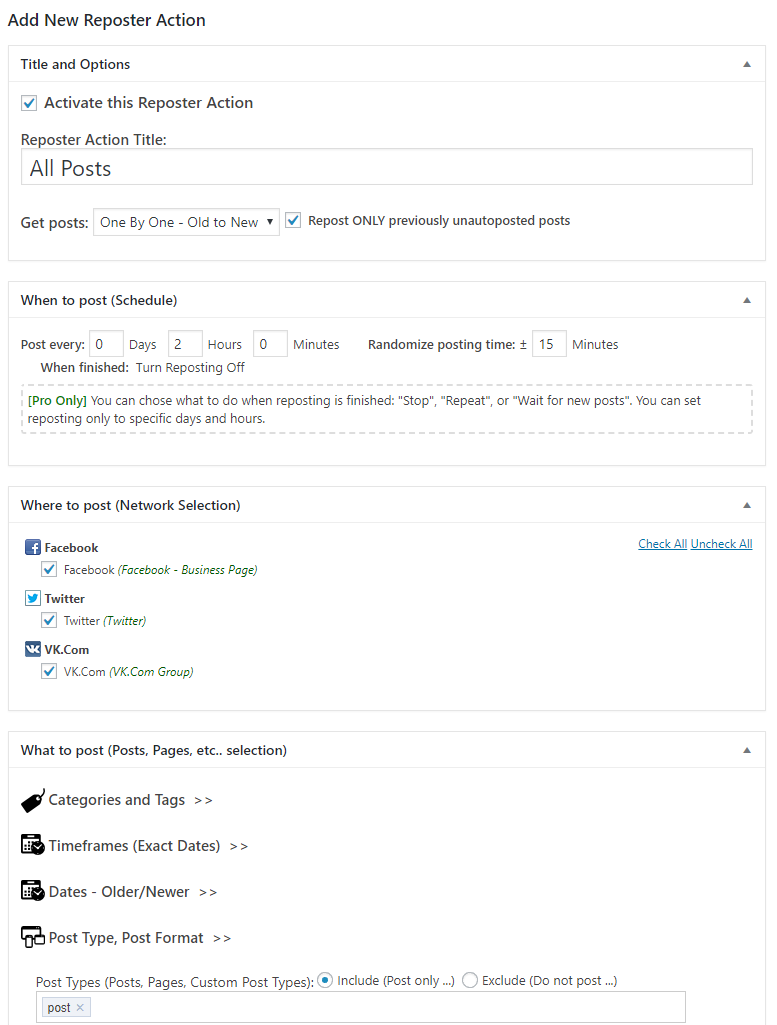
Add a Reposter action, choose One By One - Old to New, set the interval, select the accounts, and select the post post type. Set When Finished to Turn Reposting Off, then save.
Example: recent posts from one category
Repost the last 30 days
Choose One By One - New to Old, select the account, include the Fish category, and set the date filter to newer than 30 days. Set the interval and finish behavior, then save.
Example: random posts during work hours
Publish every 30 minutes on weekdays
Choose Randomly, set Post every to 30 minutes, and restrict posting to Monday–Friday, between 08:00 and 17:00. Select the accounts and save.
Check the schedule
Review the first deliveries and the selected posts. Reposter relies on WordPress background scheduling; see WP-Cron setup if scheduled posts run late.
