SNAP DOCUMENTATION
Different Message Format for Reposter.
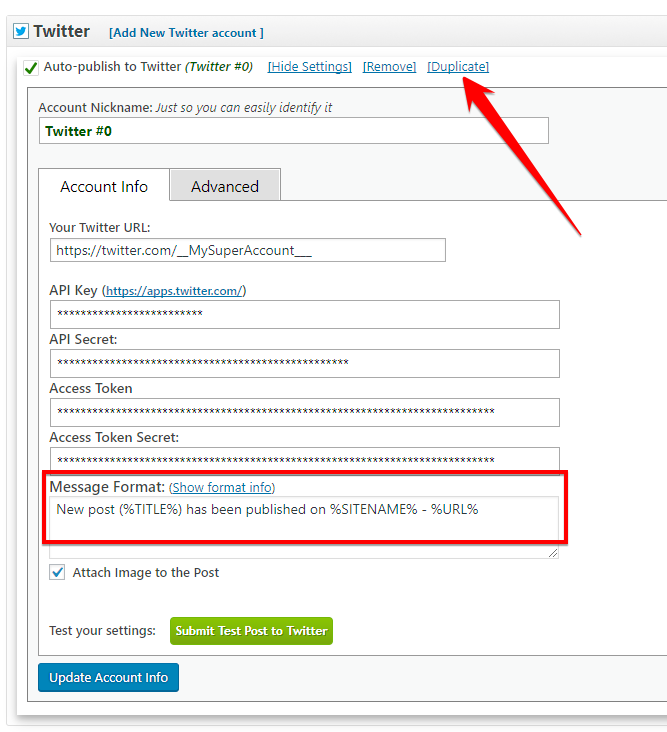
1. Find the account you would like to repost to in the list and click “Duplicate”.
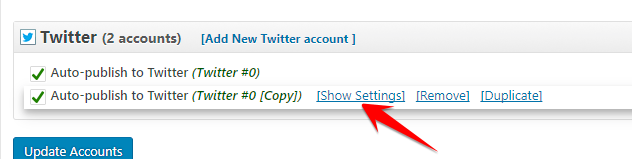
2. SNAP will create a copy of that account. Click [Show Settings].
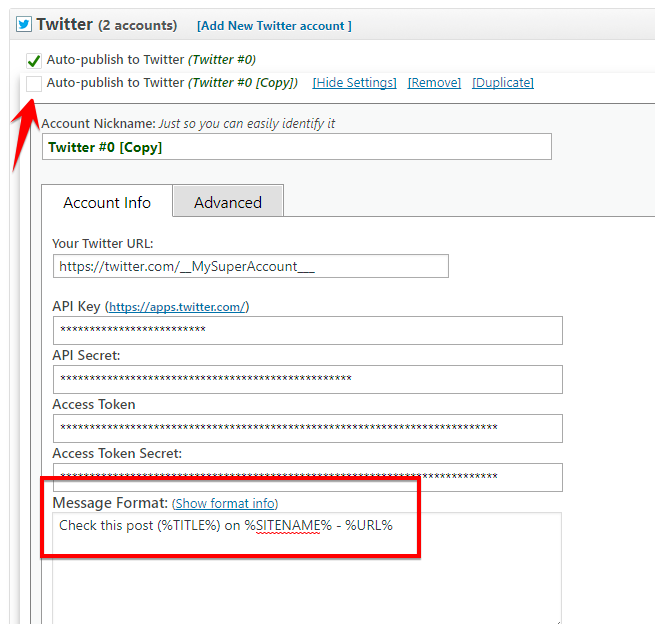
2. Change the message format to what you need to use in reposter. Uncheck the checkbox, to prevent new posts from being autoposted to this account.
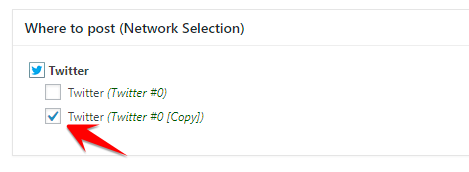
3. Select this “Copy” account when you are configuring the reposter.