
SNAP DOCUMENTATION
SNAP Features: All Facebook Post Types
Facebook controls the visual layout of shared links. The screenshots below illustrate text, image and link publishing, rather than guaranteeing a particular preview size or an older “attached link” layout.
SNAP can make several different types of posts to Facebook.
Here is the list of them all with settings and examples.
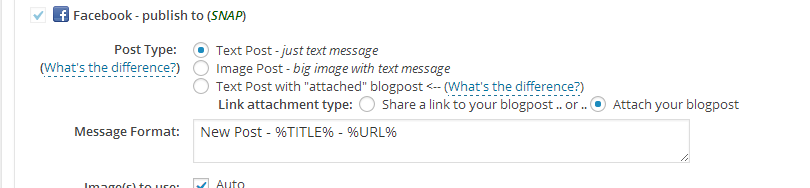
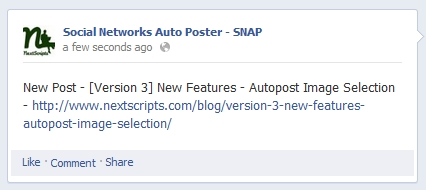
1. Simple text post.
Creates a text post. No images, no attachments. You can insert link back to your post using %URL% tag.
Settings:
Result:
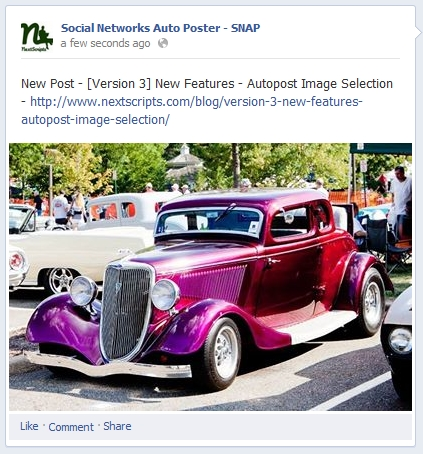
2. Image Post – big image with text message.
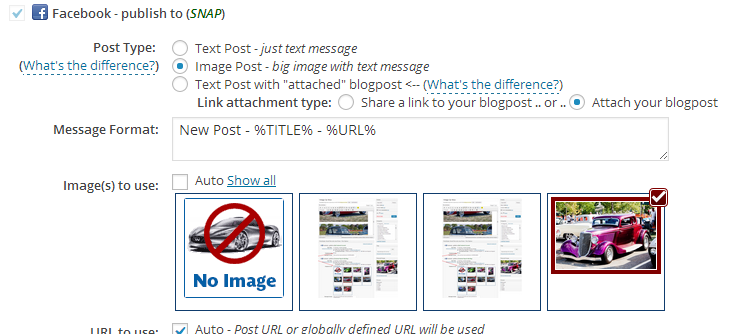
Uploads an image with text description. Image linked to internal facebook page with bigger image. You can insert link back to your post in the description using %URL% tag.
Settings:
Result:
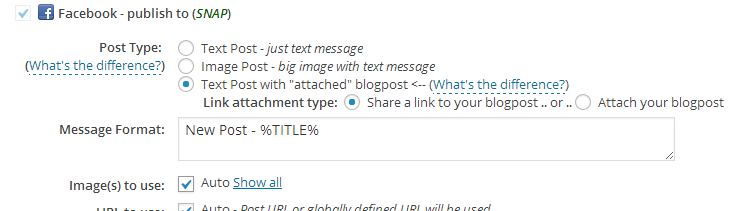
3. Text Post with “shared” blogpost.
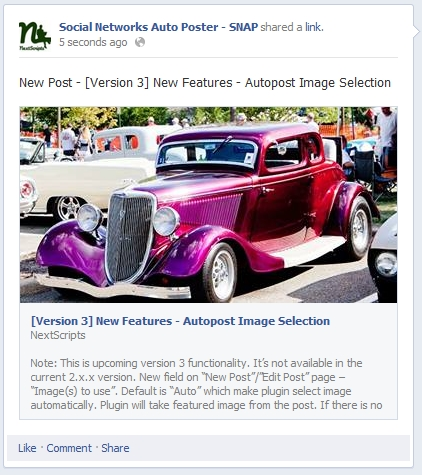
*Most popular post type*. Text message with image linked back to the original source, title and short description.
Facebook decides how each link preview is displayed.
Also please see How to format Facebook post with shared/attached link
Settings (large sized image is selected):
Result:
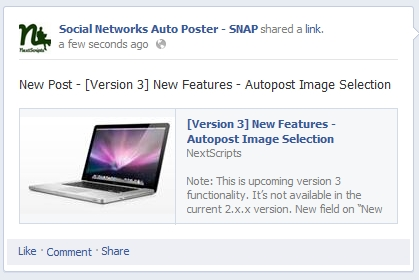
If the image doesn’t meet the size criteria, shared posts layout will be different.
Settings (smaller image is selected):

Result:
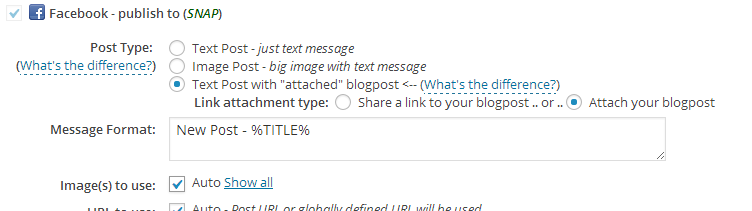
4. Text Post with “attached” blogpost.
Text message with small image linked back to the original source, title and short description.
Settings:
Result:

