
SNAP DOCUMENTATION
Social Publishing Post Types
Choose a post type supported by your connected network. The available choices appear in the account settings; not every destination supports every format.
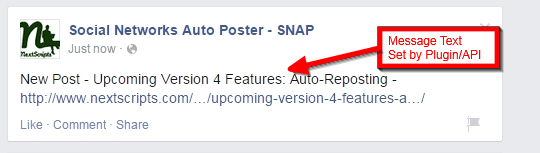
Text
Publish a text message. Include %URL% when you want a link back to the WordPress post.
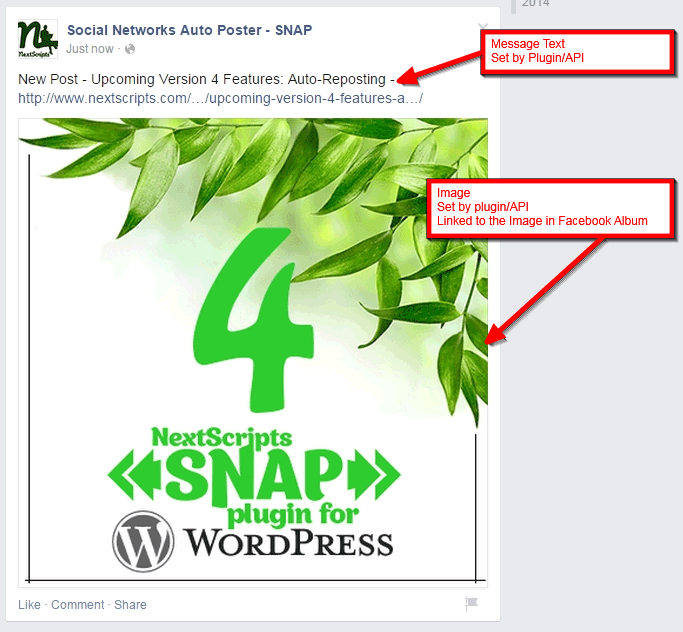
Image
Upload the selected image with the message as its caption. A photo does not automatically link to your article; put %URL% in the message when needed.
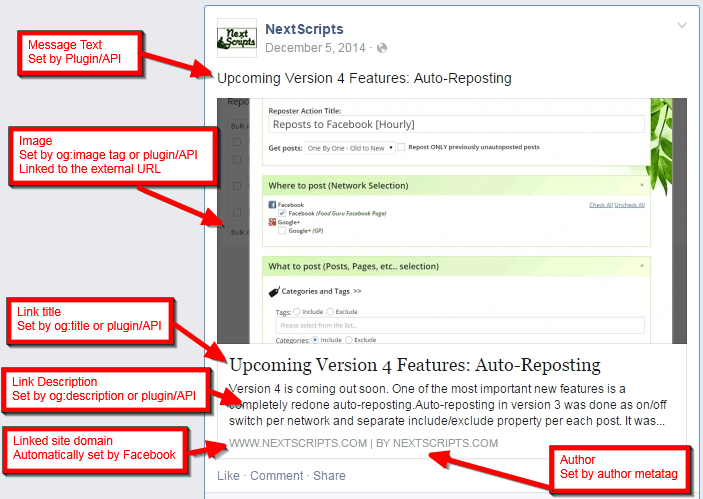
Link with a preview
Share the article URL. The destination normally builds its preview from your page and Open Graph metadata. Thumbnail size and layout are controlled by the network.
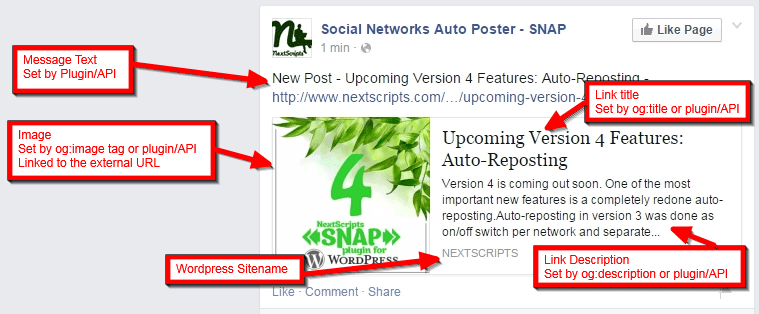
Historical examples
Google+ and XING publishing examples from the earlier version of this page are retained in the Legacy / Archive.