Create a Quick Post
1. Compose the update
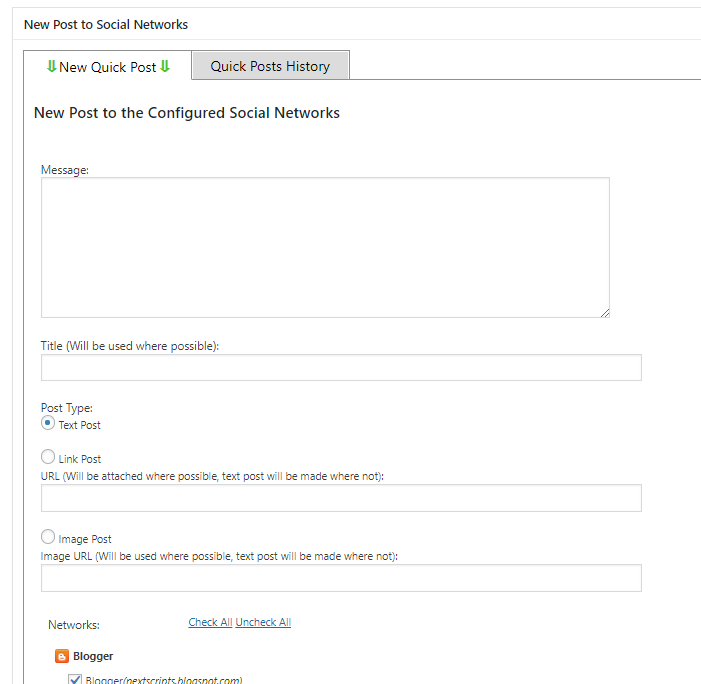
Open Quick Post in SNAP. Enter your message and choose the configured accounts that should receive it.
Publish now or schedule
2. Choose when to publish
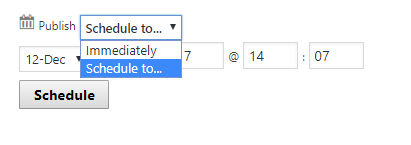
Publish immediately or set a future publishing time, then save or send the Quick Post.
History and reposting
Review previous Quick Posts
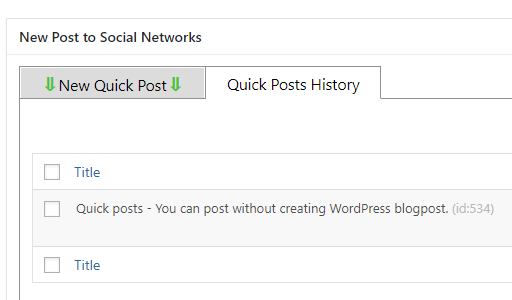
Use the history to review your Quick Posts and edit or repost an existing update.
Use Quick Posts in Reposter
Select the Quick Post type
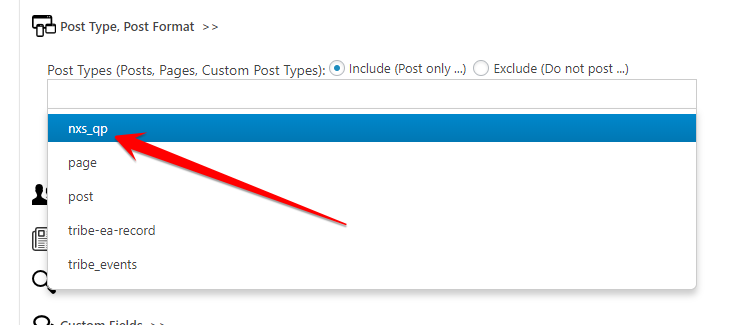
In Reposter, select the nxs_qp post type under What to Post. Set the accounts, filters, and schedule for that action.