

You have a site or blog and you are already posting your updates to Facebook, Twitter and some other networks, but what about Google Plus?
Users of the newest Social Network aiming to be on the top are still lacking information about your updates. Google Plus API is still read only, so there were no way to sync your updates around all networks including Google Plus. Now it is. Google Plus Automated Posting script from “NextScripts” is capable of automatically submitting posts from your site directly to your Google Plus account. NextScripts Google+ API can post to Google+ Profiles, Google+ Business Pages, Google+ Collections, and Google+ Communities
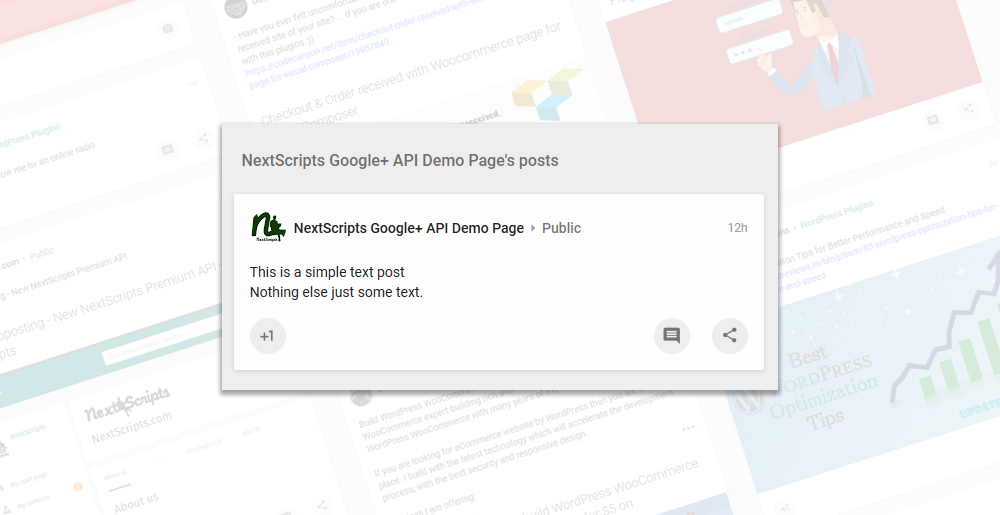
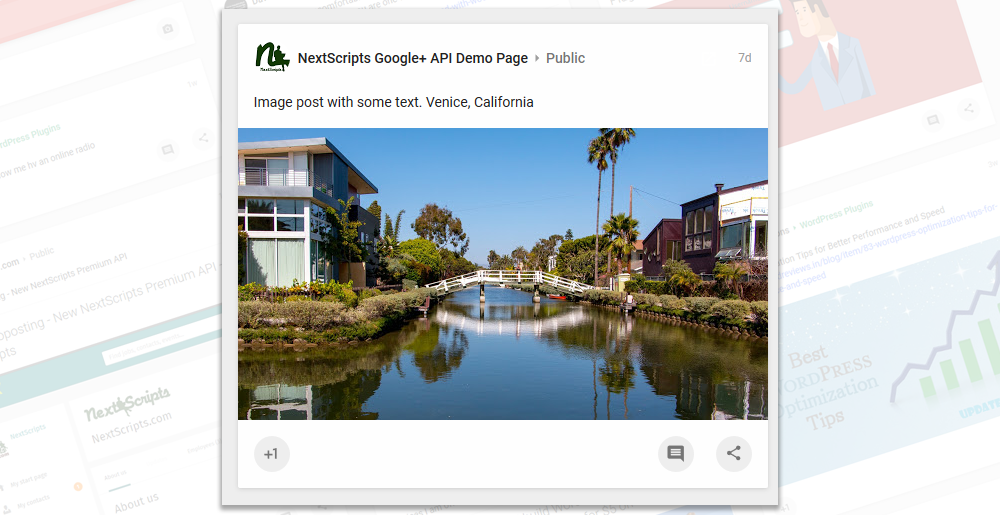
NextScripts Google+ API allows you to post simple text messages, share links with preview text and picture as well as make “Image posts”.
Google+ Automated Posting Demo
Post with image Share link – some random URL will be attached to the post
 |  |  |  |  |

We need to keep our demo account clean, so any external URLs you type in the field will be removed, Of course, the real API will post everything as is.
How to use it – Let’s see some code:
Post simple text message to your Google Plus Profile stream:
[php]
<?php
require_once “nxs-api/nxs-api.php”;
require_once “nxs-api/nxs-http.php”;
require_once “inc/nxs-functions.php”;
$email = ‘YourEmail@gmail.com’;
$pass = ‘YourPassword’;
$msg = ‘Post this to Google Plus!’;
$nt = new nxsAPI_GP();
$loginError = $nt->connect($email, $pass);
if (!$loginError)
{
$result = $nt -> postGP($msg);
}
else echo $loginError;
if (!empty($result) && is_array($result) && !empty($result[‘post_url’]))
echo ‘<a target=”_blank” href=”‘.$result[‘post_url’].'”>New Post</a>’;
else
echo “<pre>”.print_r($result, true).”</pre>”;
?>
[/php]
Post simple message to your Google Plus Business Page stream
[php] <?phprequire_once “nxs-api/nxs-api.php”;
require_once “nxs-api/nxs-http.php”;
require_once “inc/nxs-functions.php”;
$email = ‘YourEmail@gmail.com’;
$pass = ‘YourPassword’;
$pageID = ‘109888164682746252347’;
$msg = ‘Post this to Google Plus!’;
$nt = new nxsAPI_GP();
$loginError = $nt->connect($email, $pass);
if (!$loginError)
{
$result = $nt -> postGP($msg, ”, $pageID);
}
else echo $loginError;
if (!empty($result) && is_array($result) && !empty($result[‘post_url’]))
echo ‘<a target=”_blank” href=”‘.$result[‘post_url’].'”>New Post</a>’;
else
echo “<pre>”.print_r($result, true).”</pre>”;
?>
[/php]
Post to the community
[php]<?php
require_once “nxs-api/nxs-api.php”;
require_once “nxs-api/nxs-http.php”;
require_once “inc/nxs-functions.php”;
$email = ‘YourEmail@gmail.com’;
$pass = ‘YourPassword’;
$commID = ‘108350938519387916012’;
$commCategoryID = ‘0ae89207-2702-446b-815b-18be9ecf1122’;
$lnk = ‘http://www.nextscripts.com/snap-api/’;
$msg = ‘Post this to Google Plus!’;
$nt = new nxsAPI_GP();
$loginError = $nt->connect($email, $pass);
if (!$loginError)
{
$result = $nt -> postGP($msg, $lnk, ”, $commID, $commCategoryID);
}
else echo $loginError;
if (!empty($result) && is_array($result) && !empty($result[‘post_url’]))
echo ‘<a target=”_blank” href=”‘.$result[‘post_url’].'”>New Post</a>’;
else
echo “<pre>”.print_r($result, true).”</pre>”;
?>[/php]
Post message with shared link to your Google Plus Business Page stream:
[php]<?php
require_once “nxs-api/nxs-api.php”;
require_once “nxs-api/nxs-http.php”;
require_once “inc/nxs-functions.php”;
$email = ‘YourEmail@gmail.com’;
$pass = ‘YourPassword’;
$pageID = ‘109888164682746252347’;
$lnk = ‘http://www.nextscripts.com/snap-api/’;
$msg = ‘Post this to Google Plus!’;
$nt = new nxsAPI_GP();
$loginError = $nt->connect($email, $pass);
if (!$loginError)
{
$result = $nt -> postGP($msg, $lnk, $pageID);
}
else echo $loginError;
if (!empty($result) && is_array($result) && !empty($result[‘post_url’]))
echo ‘<a target=”_blank” href=”‘.$result[‘post_url’].'”>New Post</a>’;
else
echo “<pre>”.print_r($result, true).”</pre>”;
?>[/php]
Post Image with a message to your Google Plus Profile stream
[php]<?php
require_once “nxs-api/nxs-api.php”;
require_once “nxs-api/nxs-http.php”;
require_once “inc/nxs-functions.php”;
$email = ‘YourEmail@gmail.com’;
$pass = ‘YourPassword’;
$pageID = ‘109888164682746252347’;
$lnk = array(‘img’=>’http://www.nextscripts.com/imgs/nextscripts.png’);
$msg = ‘Post this to Google Plus!’;
$nt = new nxsAPI_GP();
$loginError = $nt->connect($email, $pass);
if (!$loginError)
{
$result = $nt -> postGP($msg, $lnk, $pageID);
}
else echo $loginError;
if (!empty($result) && is_array($result) && !empty($result[‘post_url’]))
echo ‘<a target=”_blank” href=”‘.$result[‘post_url’].'”>New Post</a>’;
else
echo “<pre>”.print_r($result, true).”</pre>”;
?>[/php]
Post YouTube video with a message to your Google Plus Profile stream
[php]<?php
require_once “nxs-api/nxs-api.php”;
require_once “nxs-api/nxs-http.php”;
require_once “inc/nxs-functions.php”;
$email = ‘YourEmail@gmail.com’;
$pass = ‘YourPassword’;
$pageID = ‘109888164682746252347’;
//## Link to Video
$lnk = ‘https://www.youtube.com/watch?v=Dy6MpsDPKts’;
$msg = ‘Post this to Google Plus!’;
$nt = new nxsAPI_GP();
$loginError = $nt->connect($email, $pass);
if (!$loginError)
{
$result = $nt -> postGP($msg, $lnk, $pageID);
}
else echo $loginError;
if (!empty($result) && is_array($result) && !empty($result[‘post_url’]))
echo ‘<a target=”_blank” href=”‘.$result[‘post_url’].'”>New Post</a>’;
else
echo “<pre>”.print_r($result, true).”</pre>”;
?>[/php]
Import RSS to Google Plus
[php]<?php
require_once “nxs-api/nxs-api.php”;
require_once “nxs-api/nxs-http.php”;
require_once “inc/nxs-functions.php”;
$email = ‘YourEmail@gmail.com’;
$pass = ‘YourPassword’;
$url = ‘http://www.YorWebSite.com/rss.xml’;
$nt = new nxsAPI_GP();
$loginError = $nt->connect($email, $pass);
if (!$loginError)
{
$doc = new DOMdocument();
$doc->load($url);
$rss_array = array();
$items = array();
$tag = ‘item’;
foreach($doc->getElementsByTagName($tag) AS $node)
{
$link = $node->getElementsByTagName(‘link’)->item(0)->nodeValue;
$title = $node->getElementsByTagName(‘title’)->item(0)->nodeValue;
$msg = $title.”\r\n”;
$msg .= $link.”\r\n”;
$msg .= $node->getElementsByTagName(‘description’)->item(0)->nodeValue;
$result[] = $nt -> postGP($msg, $lnk, $pageID);
}
} else echo $loginError;
echo “<pre>”.print_r($result, true).”</pre>”;
?>[/php]
Get SNAP API
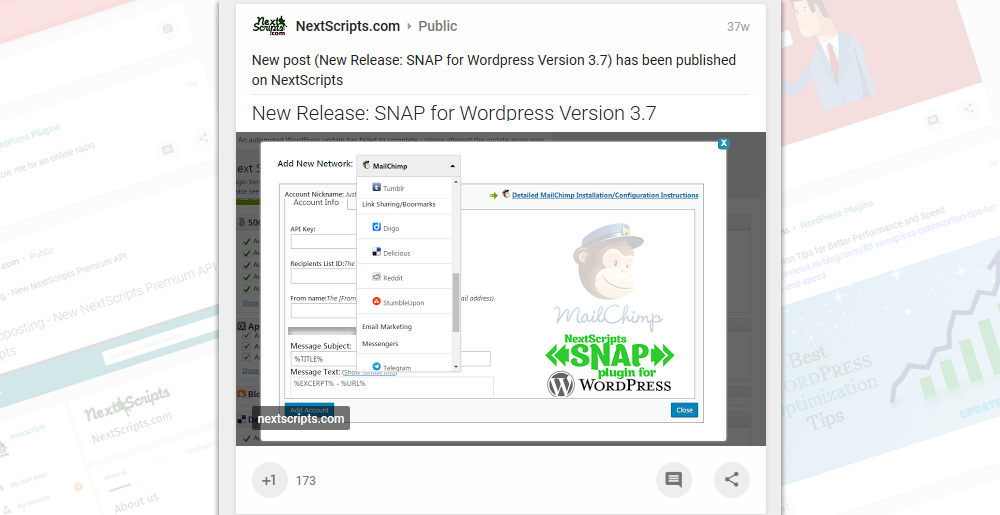
Google+ Automated Posting Script is now part of the universal SNAP API. SNAP API provides a universal API interface for autoposting to more then 25 different social networks including Google+, Pinterest, Flipboard, Reddit, YouTube, Blogger, and LinkedIn Company Pages as well as Facebook, Twitter, Tumblr, Flickr, Scoop.It and many others
Please see more code samples and documentation
Requirements
PHP Ver > 5.2 (PHP 7 or 7.1 is recommended)
PHP should have at least 32M of memory (64M and more is highly recommended).
curlSSL
gzip and mbstring are not required but will make things work faster.
Blogger
YouTube
Get SNAP Now
SNAP Plugin for WordPress is free to install and use.


