Social Networks Auto-Poster for WordPress - Setup/Installation
Social Networks Auto-Poster for WordPress - Setup/InstallationSocial Networks Auto Poster {SNAP} is regular WordPress plugin written according to all WordPress specifications for plugin development.
Social Networks Auto Poster {SNAP} Plugin for WordPress – Plugin Installation
You can use either manual or automated installation.
Automated installation:
Quick Installation Video:
1. Go to Plugins->Add New from the lest menu. Search for “NextScripts Social Networks”, click “Install”. Provide your FTP info if asked.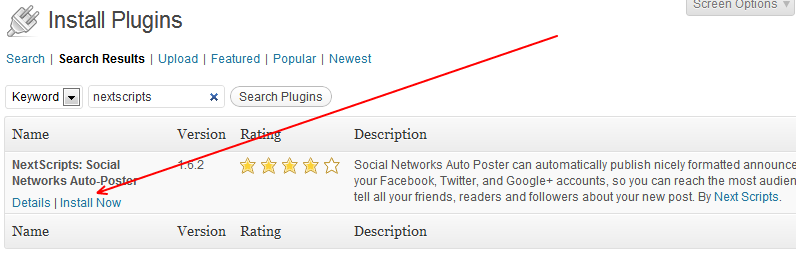
2. Click “Activate Plugin”.
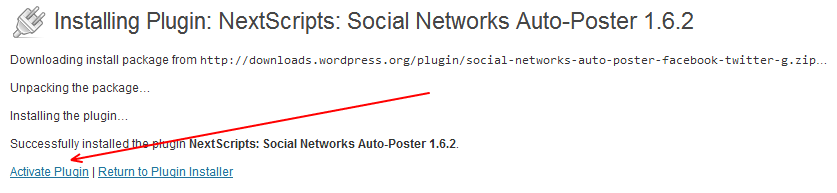
3. Open “Settings” page. Either click “Settings” link on the plugin or go to the Settings->Next Scripts Social Networks Auto-Poster from the left menu.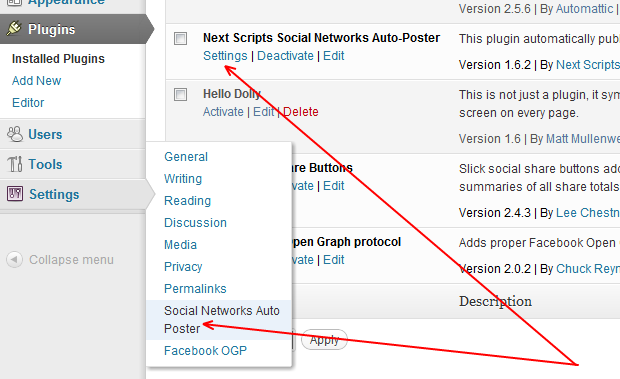
Manual installation:
1. Download the plugin: Social Networks Auto-Poster WordPress Plugin2. Upload contents of the zip file to the /wp-content/plugins/.
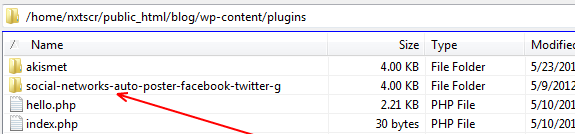
3. Login to your WordPress Admin Panel, Go to the Plugins->Installed Plugins, Find “Next Scripts Social Networks Auto-Poster” in your list, click “Activate”

Tutorials
How SNAP Sets Images
How SNAP Sets Images
All types of posts for Facebook, Google+, XING
All types of posts for Facebook, Google+, XING
How to format Facebook post with attached link
How to format Facebook post with attached link
All types of Facebook posts
How to format Facebook post with attached link
All types of posts to Facebook with video
All types of posts to Facebook with video
Why we don’t have a Twitter characters counter
Why we don’t have a Twitter characters counter.
Plugin Setup/Installation
All types of posts to Facebook with video
SNAP PRO Plugin Upgrade/Activation
All types of posts to Facebook with video
WP-Cron: Scheduling Tasks in WordPress
WP-Cron: Scheduling Tasks in WordPress
All Supported Networks
All types of posts to Facebook with video
How to check if curlSSL is working
WP-Cron: Scheduling Tasks in WordPress
How to completely remove SNAP
WP-Cron: Scheduling Tasks in WordPress
SNAP Features
Accounts
Settings
Powerful Filters
Set what posts go to each network based on categories, tags, type, format and many more criteria.
Limit Autoposting Speed
Custom URLs for AutoPosts
Autopost New Blogposts
Quick Post
"Spin" message post templates
Automatically change/alter the words or sentences in your social media posts
Emoji Support
Export/Import Plugin settings
Format your posts
Hashtags
Additional URL Parameters
URL Shorteners
See what was posted

SNAP Pro for Wordpress
Pro version upgrade adds the ability to configure more than one account for each social network and some additional features.
Latest Blogposts

Corrupted cache issue with SNAP Pro.
What happened? SNAP Pro is checking for API update every 6 hours. Today (May 22, 2019) around 6:30PM EST Google Cloud messed our update server for about 7 minutes. A bunch of "lucky" sites that were checking for update during those 7 minutes got their plugin cache...
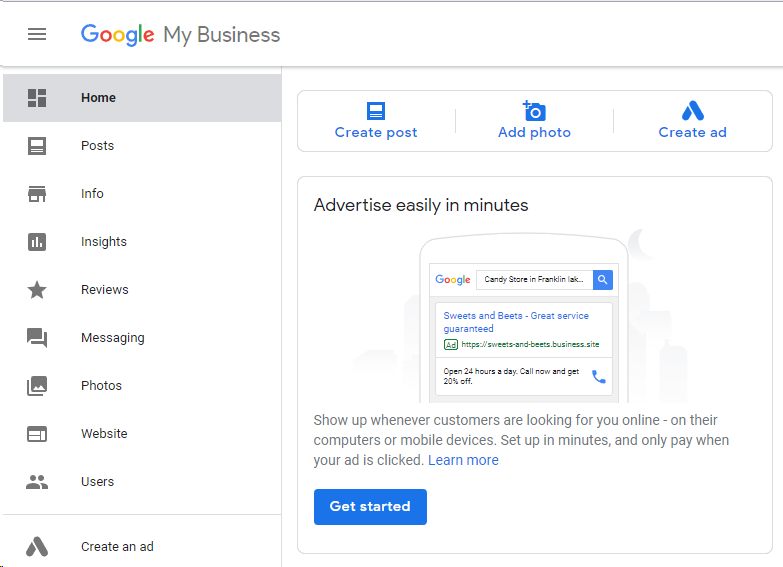
Support for “Google My Business” is coming soon…
Support for "Google My Business" is coming this fall. Google recently made some kind of blog-a-like functionality available for local business listings. As a local business owner you can add posts, events, offers as well as products to your business listing. Although...
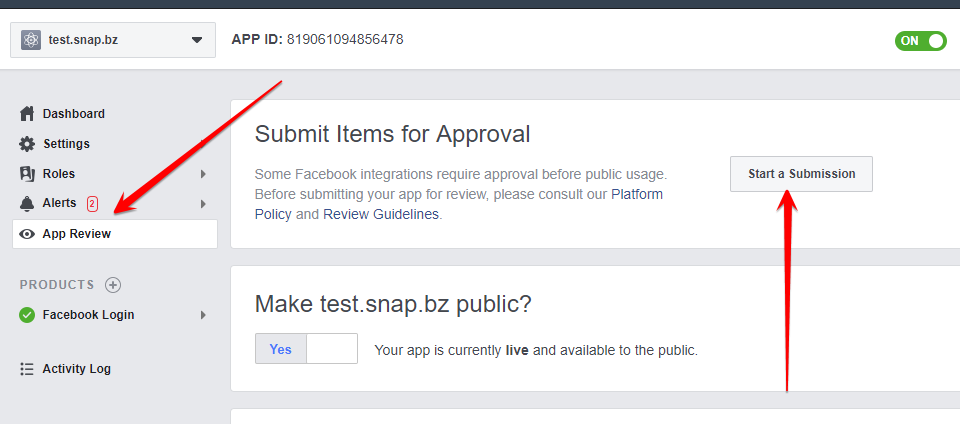
Facebook app review
We are getting a lot of questions about upcoming deadline for Facebook app review. People are asking what should we do. The honest answer would be: "No one has any idea". We submitted several apps for Facebook review using different ways of describing and explaining...

What happened with Facebook
What happened with Facebook? Facebook made changes to it's API access policy on May 1st, 2018. As the result we introduced our own Premium API for Facebook. We feel that we need to explain how exactly those changes affected SNAP. Since the beginning Facebook native...
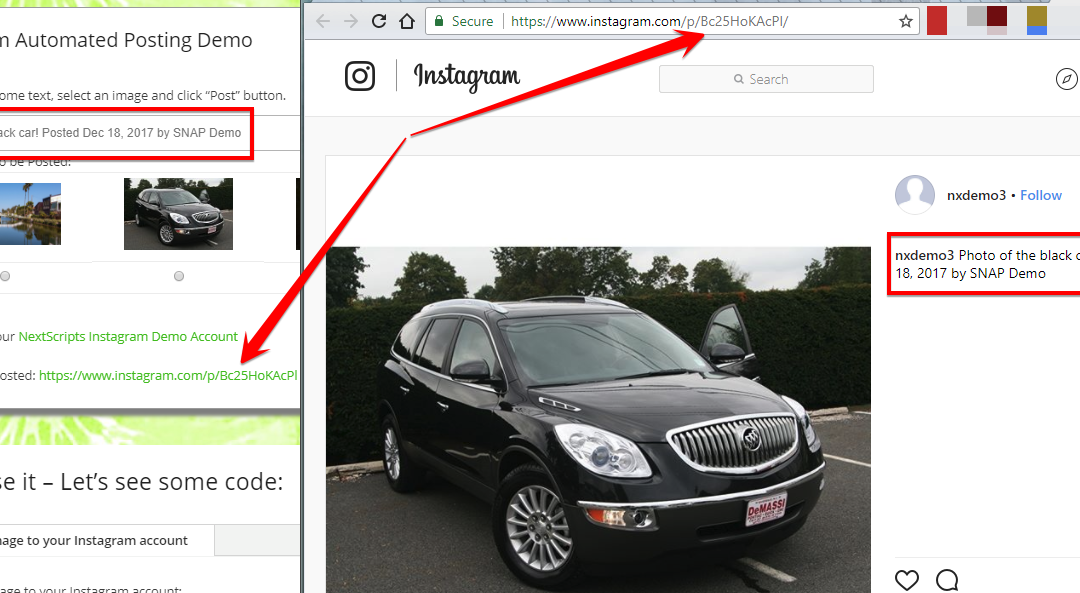
Instagram issues
Instagram made some very big changes to authentication process. About 70% of our users are affected by them. Before the changes the process was quite simple: Sometimes Instagram decided that login from SNAP is "unusual" and asked for confirmation. You just had to open...
SNAP for Wordpress

SNAP for Wordpress MultiUser

SNAP API